Inventory and stock management for small shops
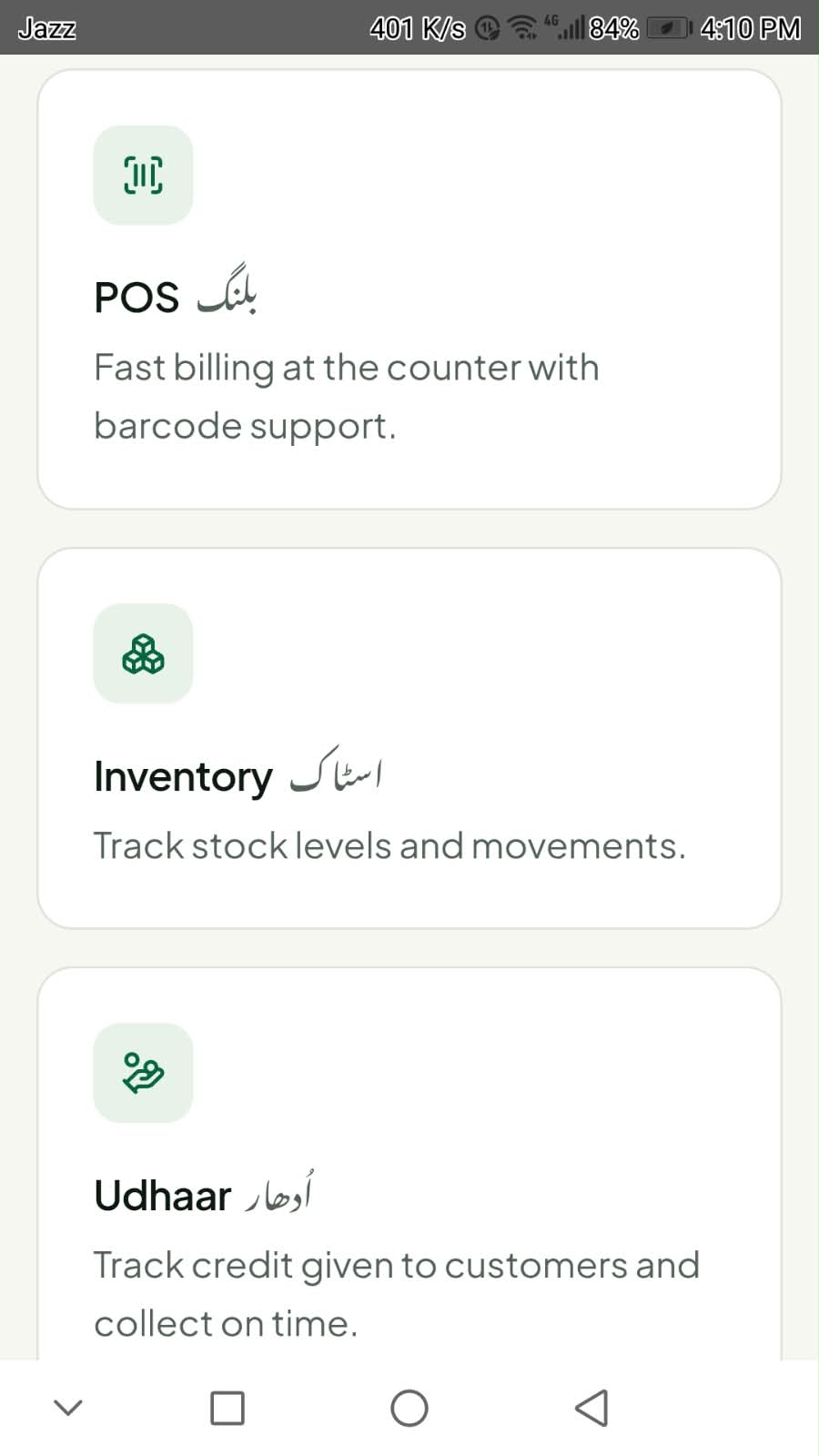
Running out of a fast-selling item usually means finding out when a customer asks for it. Keeping your products and stock levels in MayreDukaan gives you one place to check what you have.
One product list
Enter each product with its stock. The same list is used for billing, so you keep one record instead of separate notebooks.
A simple stock routine
Check stock before your market trip, update it when new goods arrive, and do a quick shelf count every week or two to catch mistakes.
Questions
- Do I need a barcode scanner?
- No special hardware is required to add products and stock in MayreDukaan.
Helpful guides
Try MayreDukaan for your shop
Download the Android app or open the web app on your computer.